
Know how the week really went.
Occupancy, ADR and RevPAR at a glance, the channels that actually earn their keep, and an end-of-day report that ties out each night’s takings. The numbers you need to price and plan — without exporting anything to a spreadsheet.
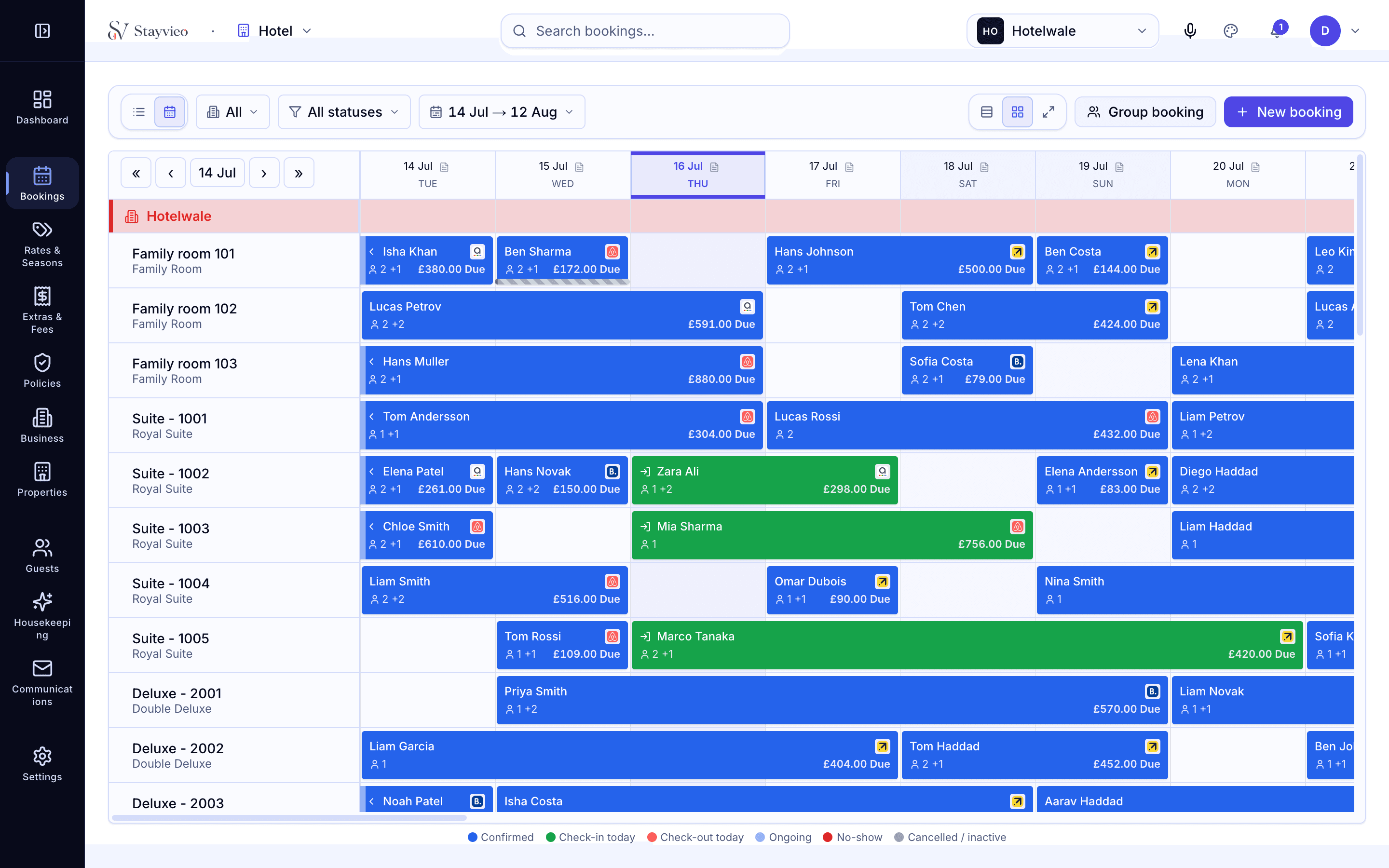
Occupancy, ADR and RevPAR, plainly.
The three figures that tell you whether you are filling rooms, at the right price, sit together and update as bookings come in. See how last week landed, how this week is shaping up, and where the soft nights are — early enough to do something about them.
- Occupancy, ADR and RevPAR in one view
- Trends over the days and weeks that matter
- Spot soft nights early, while you can still fill them
See which channels pay their way.
Break your business down by channel so you can tell what direct is really worth against the OTAs once commission is out of it. It is the honest picture behind the mix — the evidence to lean harder on the channels that reward you and ease off the ones that do not.
- Revenue and nights split by channel
- Direct versus OTA, commission accounted for
- The evidence to rebalance your channel mix
Close the day with the books balanced.
An end-of-day report totals the day’s rooms, dining and payments over a proper business-day window — so an overnight bar tab lands in the right day and nothing falls through the timezone gap. Cash up with a clear figure to hand over and a clean record kept.
- Nightly totals across rooms, dining and payments
- A real business-day window, timezone and DST aware
- A clear cash-up figure and a kept record
Works with everything else you run.
What is RevPAR and do I need to work it out myself?
RevPAR is revenue per available room — how much each room you have earns on average, whether or not it sold. Stayvieo calculates it for you alongside occupancy and ADR, so you read it rather than build it.
Can I see how much of my business is direct versus OTA?
Yes. Reports split nights and revenue by channel, with commission accounted for, so you can see what a direct booking is genuinely worth against an OTA one and rebalance accordingly.
How does the end-of-day report handle overnight charges?
It uses a proper business-day window rather than a plain midnight cut-off, and it is timezone and DST aware. So a late bar tab or a 1am charge falls into the right trading day instead of splitting across two.
Does the restaurant show in the figures?
Yes. Dining revenue from the EPOS is included in your reports and the end-of-day totals, so the numbers reflect the whole house rather than rooms alone.
Do I need to export to a spreadsheet to read all this?
No. The figures you run the property from are in Stayvieo itself. Exporting is there when you want it, but the day-to-day numbers do not depend on it.
See your own numbers in one call.
See Stayvieo on your own property in a fifteen-minute call — no pressure, no script.
Book a demo →